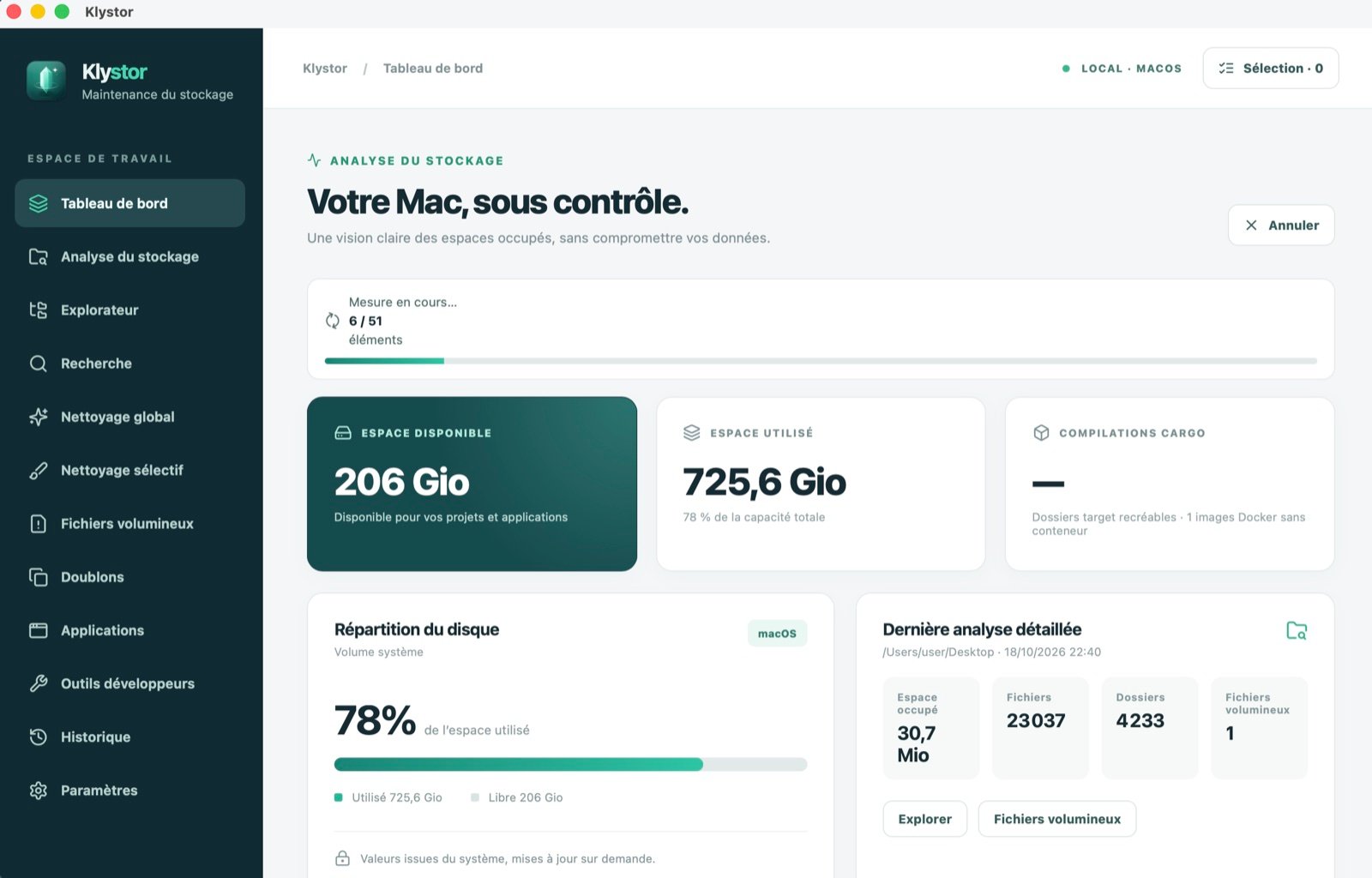
Klystor analyzes your computer’s storage and helps you clean it up safely: a dry run before every deletion, another check right before acting, and the Trash by default.
A fast scan of the whole disk, then a cleanup you control, item by item.
Analysis
Finally see where your space goes.
Klystor scans the whole disk in a few minutes and sorts what it finds: caches, build folders, large files, duplicates. The explorer and the history show how your space changes over time.
Heaviest folders and large files
Disk space history
Plain-language search (optional)
Safety
Delete without fear.
Every item is rated by risk. You see what would be deleted and how much space you gain before anything happens, then Klystor checks everything again right before acting.
Dry run before every deletion
Trash by default, never a direct erase
Sensitive data and system files protected
Developers
Built for people who compile.
Build folders and tool caches often take up tens of gigabytes. Klystor finds them, explains what they contain and cleans them up properly.
Inactive Git projects, with what only exists on this computer
Cargo, node_modules, npm, pnpm and yarn
Unused Docker images
JetBrains and VS Code caches, version by version
Duplicates
Identical files detected by their contents, not just their names.
AI assistant, optional
Plain-language search and clear explanations. Off until you turn it on.
Free up space without deleting
Files already in iCloud Drive, Google Drive, OneDrive or Dropbox stay visible but are no longer kept on the disk.
Archive to pCloud and Google Drive
Copy your large files to the cloud or an external drive; each copy is verified before the space is freed.
Restore center
Find what Klystor moved to the Trash and put it back in one click.
Quiet watch
Klystor lets you know when caches can be freed, without deleting anything on its own.
How it works
Three steps, no nasty surprises.
Klystor never deletes anything without showing you first.
01
Scan
Klystor scans the disk and rates every item by risk: cache, check, protected.
02
Choose
You see what would be deleted and the space gained, before anything happens.
03
Free up
Each item is checked again right before acting, then moved to the Trash.
macOS, Linux : shasum -a 256 <file> · Windows : Get-FileHash <file>
Beta version: the packages are not yet signed with a publisher certificate. Your system will ask for confirmation on first launch, as explained under each file.
Frequently asked questions
Good to know.
Is Klystor free?
Yes, Klystor is free during the beta. Updates reach you automatically.
Do my files leave my computer?
No. Analysis and cleanup happen entirely on your computer. Only the AI assistant, which is optional and off by default, sends the names of the items you ask it to explain. Details are on the Privacy page.
Can I get a deleted file back?
Yes: by default, Klystor moves files to your system’s Trash or Recycle Bin. Developer tool cleanups (build folders, Docker images) only touch items those tools can recreate.
Does freeing a cloud file delete it?
No. The file stays in iCloud Drive, Google Drive, OneDrive or Dropbox and on your other devices; only the copy on this computer is removed. It downloads again as soon as you open it. Available on macOS and Windows.
Why does my system show a warning during installation?
During the beta, the packages are not yet signed with a publisher certificate. The installation guide shows what to do for each system; it takes a few seconds.
Which systems are supported?
macOS 11 or later (Intel and Apple Silicon), 64-bit Windows 10 and 11, and 64-bit Linux: Debian, Ubuntu, Mint, Fedora, openSUSE and, with the AppImage, every other distribution.
Is Klystor available in French?
Yes. The app follows your system language (English or French); you can change it in Settings › Language.